Skip to content

Why DCM · 2 free grades

Why DCM Grading?
Your collection, connected.

Grade your cards, track your portfolio, create custom labels and prepare eBay listings. Explore everything DCM brings to your collection, without mailing your cards away.

Built for trading card collectors4 condition subgradesVerifiable reportsYour cards stay with you

From the first photo to your next decision

More than a number on a card.

A connected workflow for understanding, organizing and sharing your collection.

Understand the condition

Centering, corners, edges and surface are assessed on both sides, with findings you can review in the card report.

Explore DCM Optic →

See why it earned that grade

Review the analysis and photo evidence behind your result. Compare it with the published DCM grading standard.

Explore card reports →

Give your card its own identity

A Heritage label pairs your card’s colors with its recorded grade, condition and verifiable serial number.

Explore label options →

Keep your collection together

Organize your graded cards and revisit their reports. Follow market estimates and portfolio insights as your collection grows.

Explore Portfolio →

Share the condition with buyers

Use InstaList to bring your card photos and condition breakdown into an eBay listing, with the report behind the grade.

Explore InstaList →

Put the grade in context

Browse DCM’s population data to see grade distributions across categories and individual cards.

Explore card tools →

01 / Identify & grade

Understand the card. Then its condition.

DCM identifies the card and evaluates the front and back with DCM Optic. The report connects a whole-number grade to the details visible in your photos.
Card identification
Identify the card name, set, number and relevant variant details. Supported card databases help distinguish cards across sports and major trading card games.
Centering
Assess the balance of the printed borders and alignment on the front and back.
Corners & edges
Review corner wear, whitening, edge damage and other visible condition issues.
Surface
Look for visible scratches, print issues, creases and surface wear. Photo clarity and glare affect what can be assessed.
A grade with an explanation
The final grade follows DCM’s published standard, with centering, corners, edges and surface subgrades and supporting findings.
Michael JordanUPPER DECK • BREAKAWAY THREATS • #438 • 1993Serial: 5940199MINT
Michael Jordan front photo
Michael Jordan · Actual DCM grade and Heritage label
Read this card’s report →

02 / Review the evidence

A full report behind every grade.

Open your card details to understand the result, review the images and choose how to keep or share the assessment.
Grade, condition and subgrades
See the overall grade and condition label alongside the four condition scores.
Defect analysis & photo evidence
Read the findings and inspect the supporting images to understand which details affected the grade.
Image confidence
Review the report’s confidence information and any limits caused by the supplied photographs.
Market context
See available market estimates alongside the condition assessment. Estimates provide context and are not guaranteed sale prices.
Public verification
Share a public report or serial number so another collector can review the recorded assessment. Your card’s visibility settings control public access.
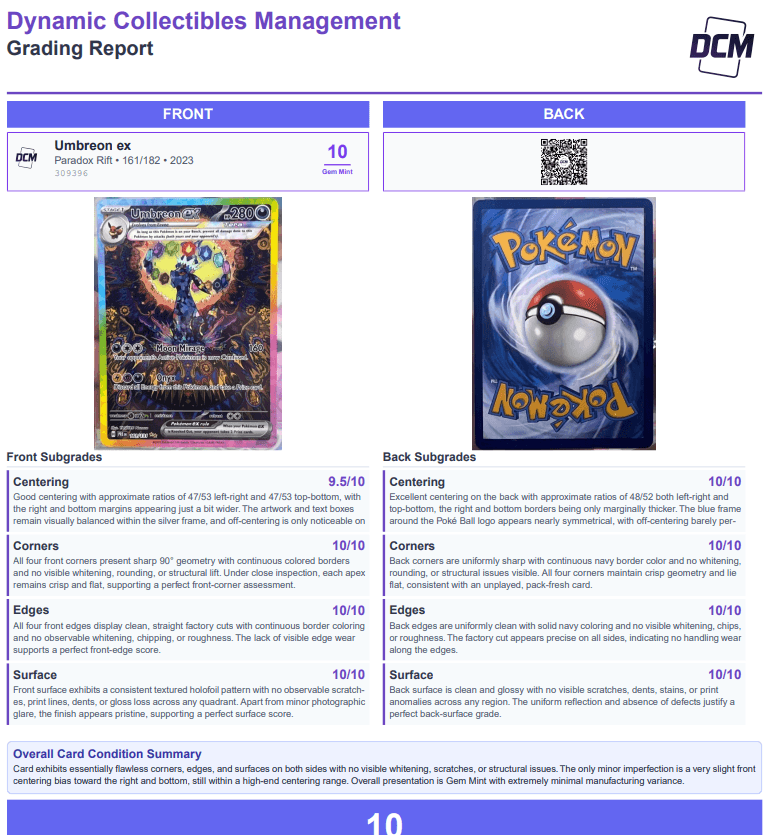
Example of DCM’s downloadable full grading report
Example downloadable report layout

Interactive card report

Revisit the original card photos, condition findings and grading details from your collection.

Full report PDF

Download a printable record of the card’s assessment to store or include with your card.

Mini report

Use a compact summary with the grade, serial and QR code for a display, top loader insert or listing image.

Explore reports and labels

03 / Manage your collection

See the collection behind the cards.

Your portfolio brings graded cards and available market pricing together, with breakdowns that help you understand what you own and where its value sits.
Collection value & individual estimates
Review available card values and your portfolio total. See which cards have pricing available and which still need a market estimate.
Category, grade & value breakdowns
Explore the mix of sports and trading card games, how grades are distributed, and the spread of card values.
Most valuable cards & top sets
See which cards and sets contribute the most value to your collection.
Grade and value relationships
Compare value by grade, grade versus value, and value changes since grading.
Pricing sources
Review available pricing from sources such as PriceCharting, eBay and Scryfall, with the source information shown in the portfolio.
Explore Portfolio

Illustrative portfolio · sample data

Collection value by category

Grade distribution

Example data shown. Sign in to explore the values and grade distribution of your own collection.

Your collection stays connected.

Open a card from your collection to revisit its report, download labels or prepare it for sale. Grading records, card images and collection tools stay together.

Open My Collection →

04 / Design & display

Your label, your way.

Choose both the design of your grading label and the format that fits your holder. Heritage is the site’s default, with Modern and Traditional styles also available in Label Studio.
Heritage
An ivory field, patterned color band and grade-colored chip. Match the band to your card or customize its palette; Gem Mint 10 uses the rainbow-outline treatment.
Modern
A dark label style with color and gradient controls for a different presentation.
Traditional
A classic light label style that keeps card identity and grading information easy to read.
Customize and preview
Choose a format, adjust the available style controls and preview the front and back before downloading.
Member badges
Eligible VIP and Card Lovers badges bring your membership identity onto supported grading labels.
Dragon ArchAPOCALYPSE • #135/143 • 2001Serial: 5646568NM-MINT
Dragon Arch front photo
Dragon Arch · Actual DCM grade and Heritage label
Read this card’s report →
Graded slab holder and label format example

Graded slab

Front and back labels for compatible grading slab cases. Keep the card identity, grade and verification details together.

Magnetic one-touch holder and label format example

Magnetic one-touch

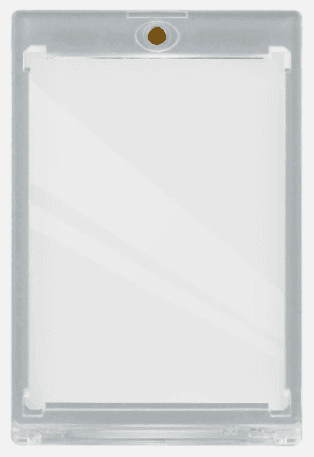
A fold-over label for magnetic holders. Avery 6871 is the recommended template for the supported foldable label format.

Top loader holder and label format example

Top loader

Compact label options for top loaders, including supported front/back and fold-over formats.

Digital display and print-ready downloads.

Create a graded card image for sharing online, or download your chosen label format to print. Report and label downloads are available to the account that graded the card. Match the template’s print size to your holder before applying it.

05 / Share & sell

From graded card to eBay listing.

InstaList uses your card’s identification, images and grading report to prepare a listing, so you can give buyers the condition details you already have.
A prepared title and description
Build the listing from the card’s details, with a formatted description that includes the DCM grading breakdown.
Images built from your card
Use labeled front and back images, raw front and back photos, and a mini report to show the card and its assessment.
Condition and item specifics
Carry relevant grading and card information into eBay’s listing fields. Review the details before publishing.
Your sale format and price
Choose a supported fixed-price or auction format and set the terms of your sale.
Shipping options
Use the shipping tools to configure supported domestic and international delivery options.
Explore eBay InstaList
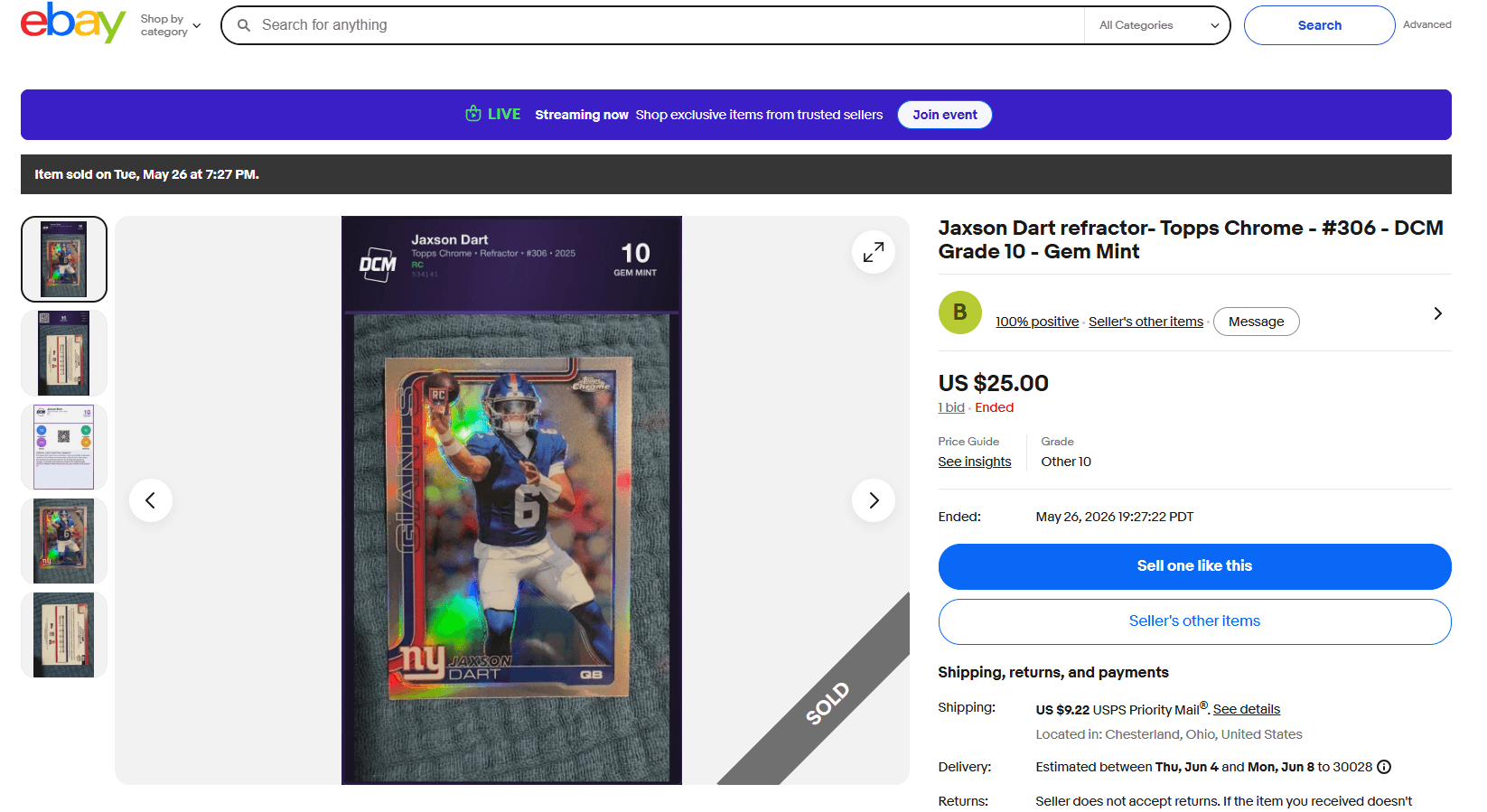
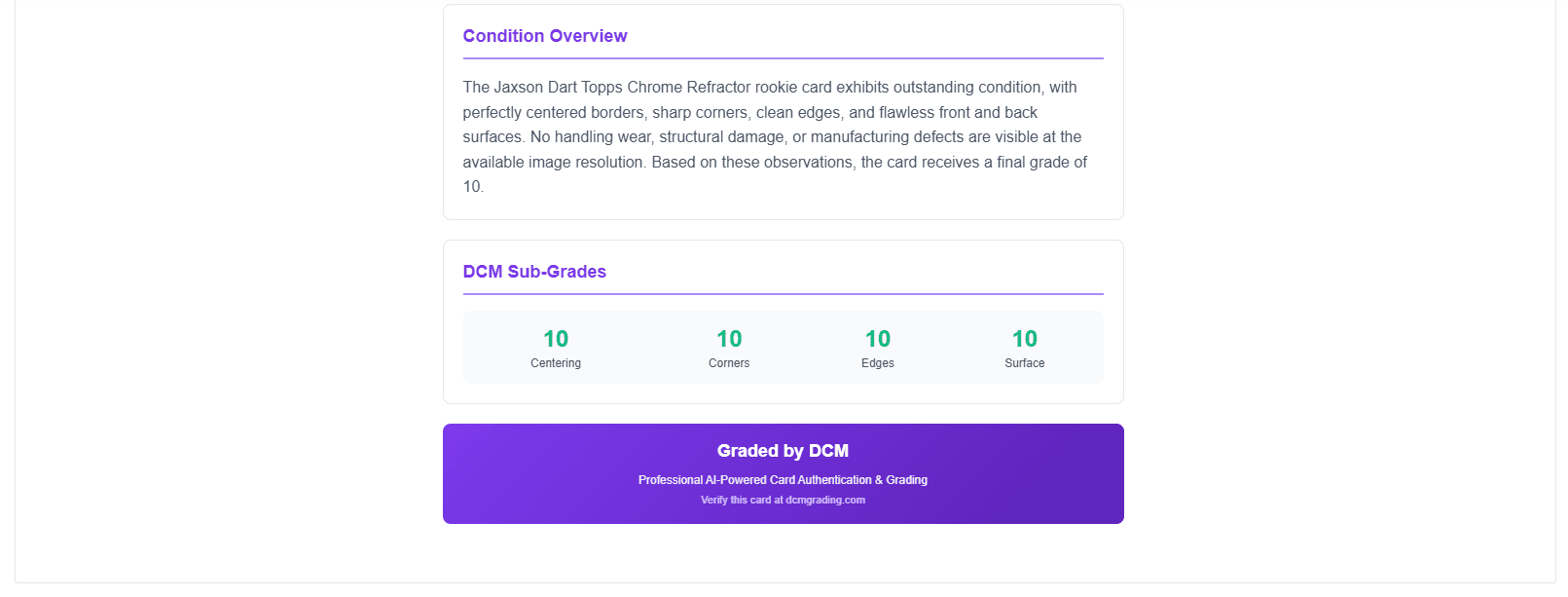
Example eBay listing created for a DCM graded cardExample DCM condition report included in an eBay listing description
Existing listing example: the DCM condition breakdown presented to buyers.
  1. 1. Choose your cardStart from a graded card in your collection.
  2. 2. Prepare the listingConnect eBay and review the generated card details and images.
  3. 3. Set the sale termsChoose price, format and shipping before publishing.

06 / Keep exploring

Tools for the way you collect.

From identifying your next card to comparing grades across the community, DCM connects the wider collecting workflow.

Card databases

Browse supported sets and cards across Pokémon, Magic: The Gathering, Lorcana, One Piece, Yu-Gi-Oh!, Star Wars and sports.

Population Report

Explore how many cards DCM has graded and how those grades are distributed by category and individual card.

Browse population data →

Featured Cards

Look through public graded cards, compare condition reports and see Heritage labels rendered with real card information.

Explore the showcase →

See the workflow

Follow a card from photo to finished label.

Watch the grading walkthrough, then use the getting-started guide to prepare your own photos.
Get started with your first card

Made for your collecting routine

Start with the cards you have.

Photograph the front and back, upload them and review your grade and condition analysis. Pokémon, sports, Magic: The Gathering, One Piece and more.
Prepare your first card

Better photos, clearer analysis

The details need to be visible.

Use even lighting, keep every edge in frame and avoid glare. Your report explains the findings and limitations of the photos you provide.

Understand the limitations →

Choose your pace

Grade a few. Build a collection.

Start with your two free grades, then choose the credit package or membership that fits.

On your schedule

Grading credits

Buy credits when you need them. Compare packages and first-purchase bonuses.

View pricing

A bigger collection

VIP package

Explore the credit bundle and VIP label benefits for your next group of cards.

Explore VIP

An ongoing hobby

Card Lovers

Compare monthly and annual memberships, ongoing credits and member benefits.

Explore membership

Before your first grade

Questions collectors ask.

What does the grade tell me?

The DCM grade summarizes the condition visible in your photographs. Open the report to review the four subgrades, findings and supporting evidence. Photo quality affects what can be assessed.

Read the grading standard
Can someone else verify my card’s grade?

Share your public card report or serial number so another collector can review the recorded grade and condition analysis.

What if I disagree with my grade?

Review the report’s findings and photo evidence first. If glare or focus obscures a detail, take clearer photos. Contact support if something still looks wrong.

Contact support

Your next card starts here

Get to know your collection.

Your first two grades are on us.

Create Free Account

Take DCM with you.

Grade and manage your cards on your phone.

Download on the App StoreGet it on Google Play