Choose your card category
Sign in and select sports, Pokémon or another supported card type. Your first two grading credits are included with a new account.
How it works
From your first upload to a Heritage label of your own. Get a card grade and detailed condition analysis in about a minute, with your cards right where they belong, with you.
New to DCM? Create an account and get 2 free grades.
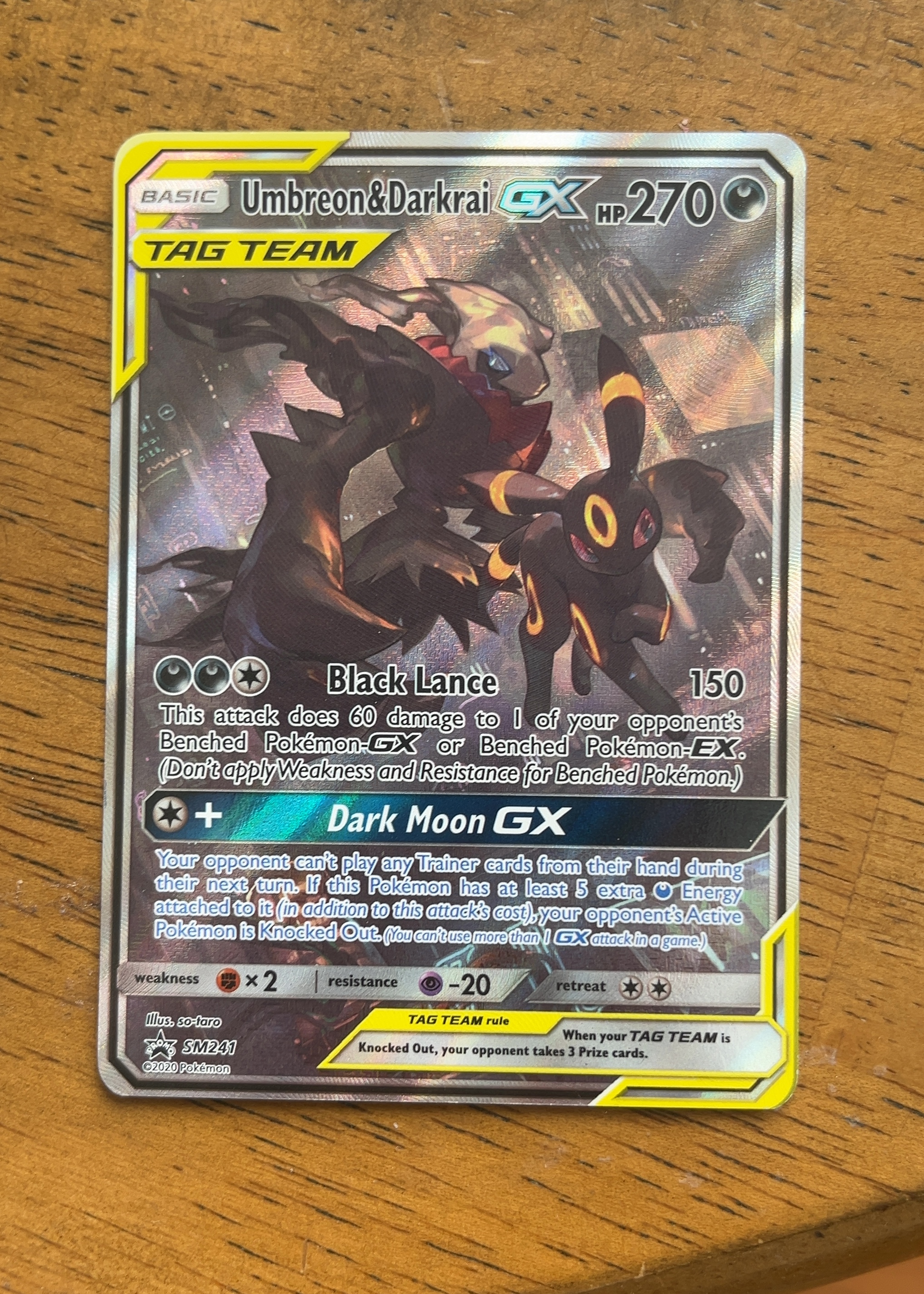
Start with the card in your hands
Sign in and select sports, Pokémon or another supported card type. Your first two grading credits are included with a new account.
Take two clear photos of the same card. Follow the capture guidance and review your images before submitting.
Review the overall grade, four subgrades and written condition notes. Your graded card is saved to your collection.
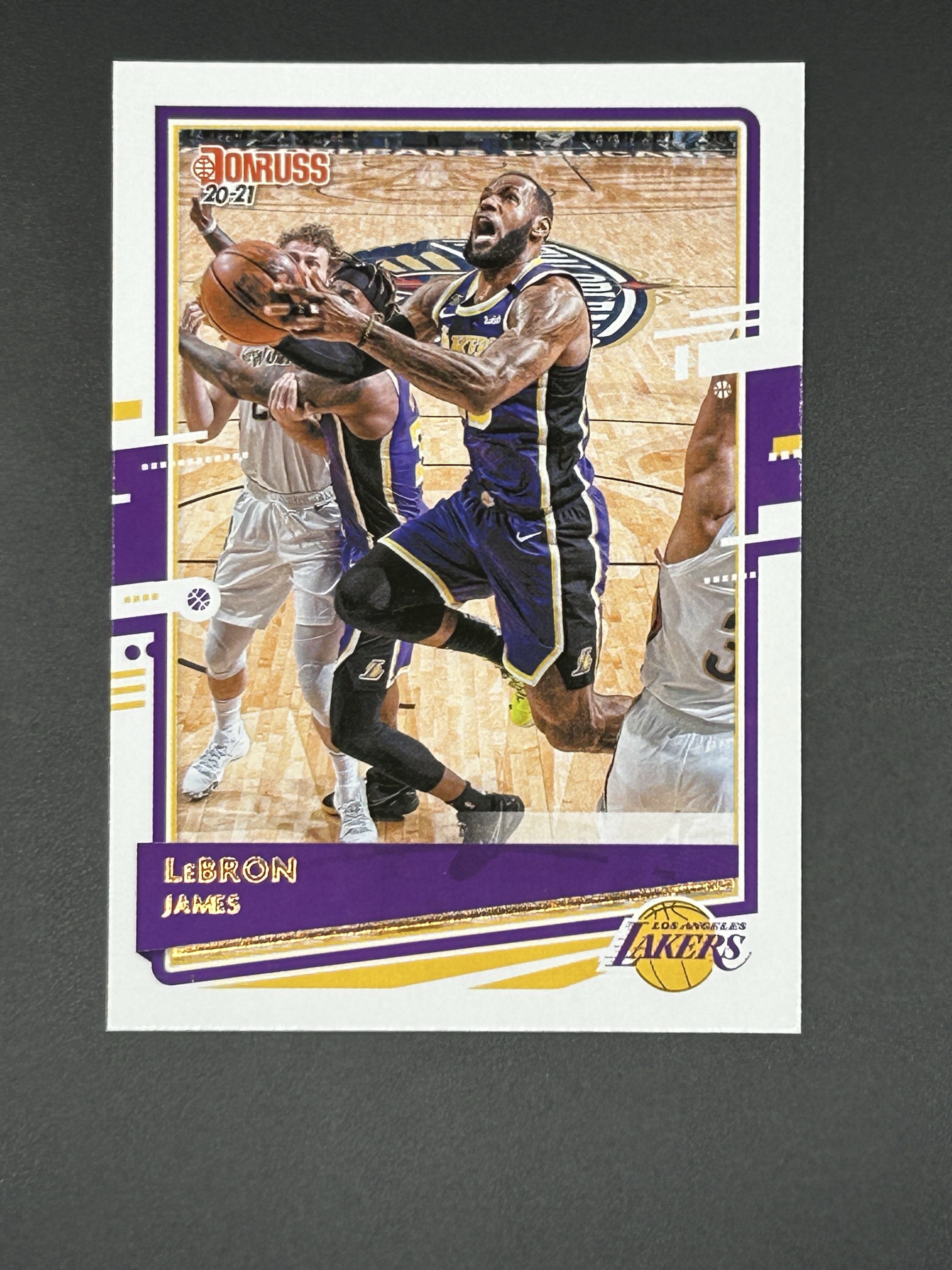
Before you upload
Make the grade yours

DCM evaluates the detail visible in your photos. Reflections, blur and hidden defects can affect the assessment. Review the report’s image confidence alongside the grade. DCM follows its own grading standard; results do not guarantee a matching grade from another service.
Understand Grading LimitationsBefore you begin
Create an account, choose your card category, and upload clear photos of the front and back. New accounts receive two free grading credits.
No. Grading is based on your uploaded photos. Your physical cards stay with you.
Results typically arrive in about a minute. Processing time can vary with image uploads and demand.
Yes. Open your graded card to access label and report options. Explore Label Studio for available designs and customization.
DCM uses its own published grading standard. A DCM result does not guarantee the grade another company will assign during a physical inspection.