Skip to content

The supplies behind the setup

Card grading supplies.
Ready for your next card.

From your first photo to your finished label, find the accessories that fit your DCM workflow.

Accessories are optional. You can start grading with clear front and back photos.

Phone stand for an overhead card photography setup
A steady starting point.Set up your shot, then let the card’s condition speak.
01Photo setup02Card holders03Printing & trimming

As an Amazon Associate, DCM Grading earns from qualifying purchases. These affiliate links open Amazon in a new tab. Check the seller’s listing for current price and availability.

01 / Photo setup

Start with a clear photo.

A stable phone and consistent framing make it easier to capture the details DCM Optic assesses.
Read the photo guide
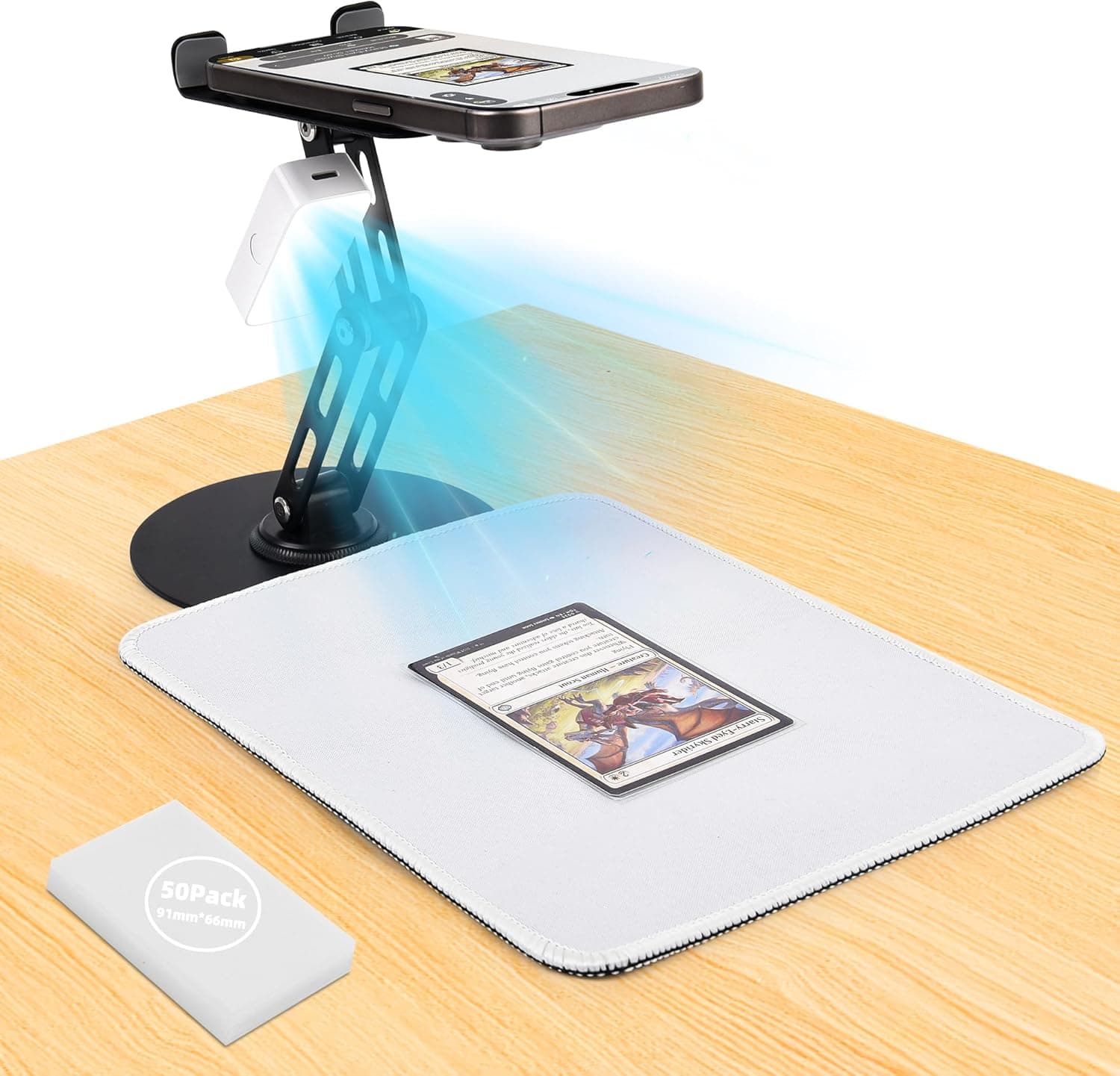
Card Scanner Stand

Best for Photos

Card Scanner Stand

Hands-free phone stand designed for photographing trading cards. Provides consistent overhead positioning and stable framing for the sharpest, most accurate grading photos. Adjustable height and angle for any card size.

View on Amazon
02 / Card holders

Find a home for your card.

Choose a display format, then match your label dimensions to the holder you use.
Explore label formats
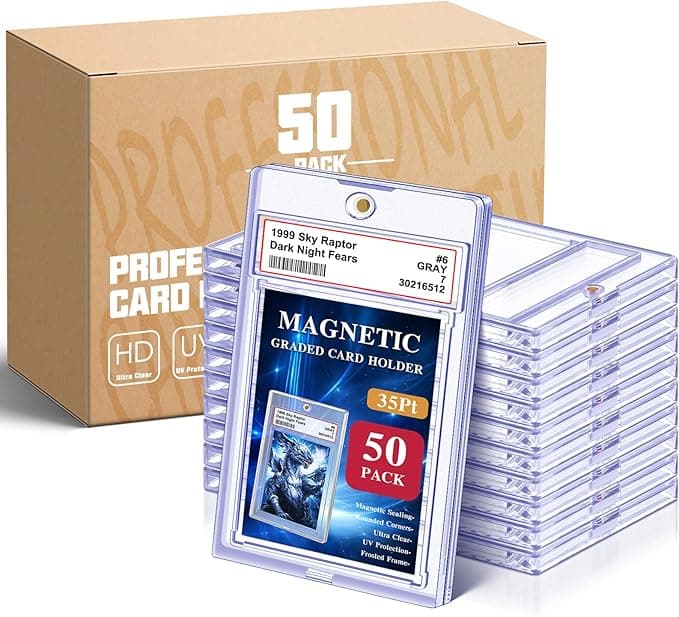
Magnetic Graded Slabs

Premium Display

Magnetic Graded Slabs

Premium magnetic closure graded card slabs. Showcase your DCM-graded cards with a professional display-quality case. Easy open/close design with crystal-clear viewing on both sides. Perfect for high-value cards.

View on Amazon
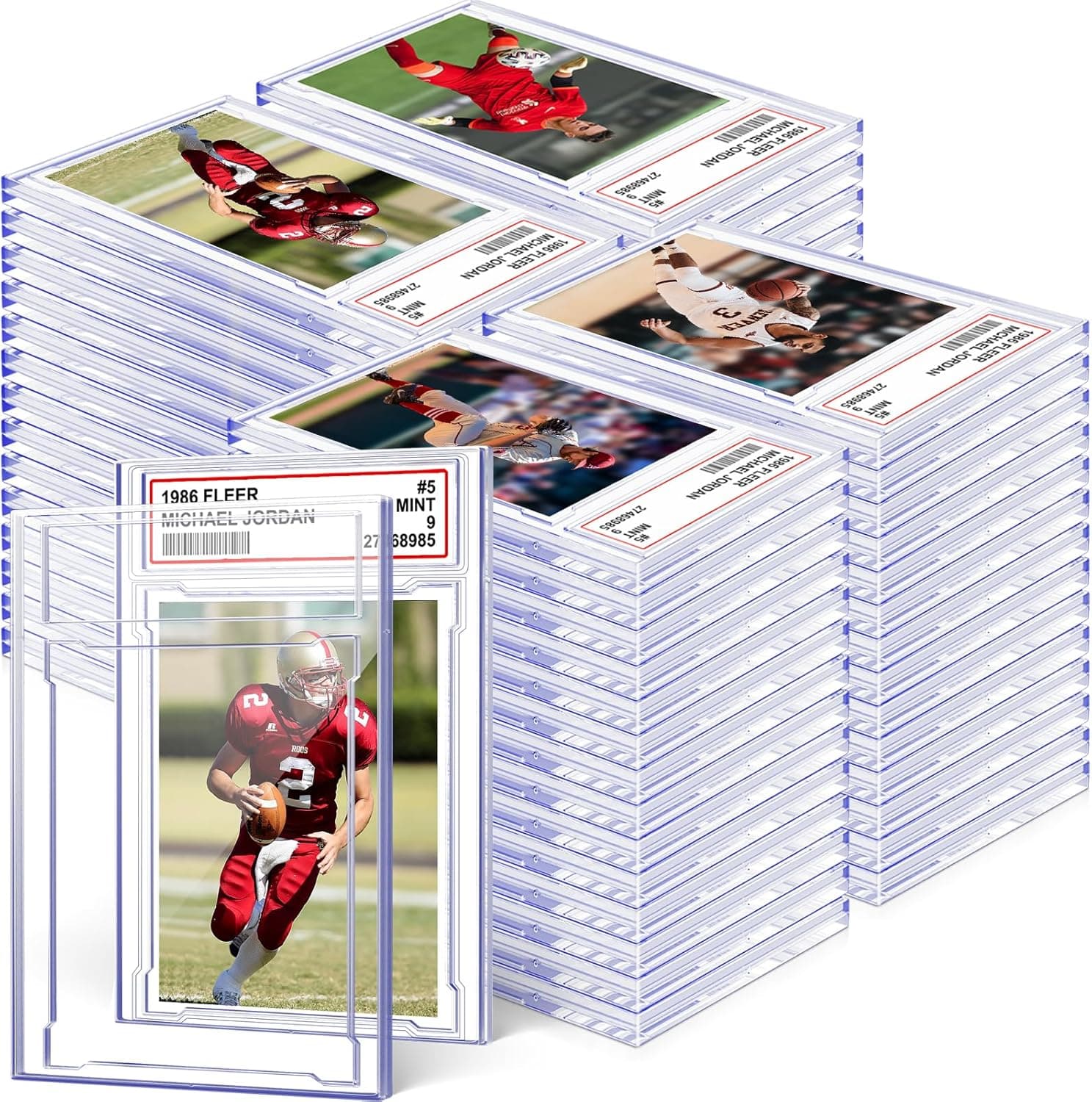
Traditional Graded Slabs

Best Value

Traditional Graded Slabs

Classic snap-fit graded card slabs in bulk. The standard case for displaying DCM-graded cards with custom labels. Fits standard trading cards with room for front and back labels. Great value at 100 per pack.

View on Amazon
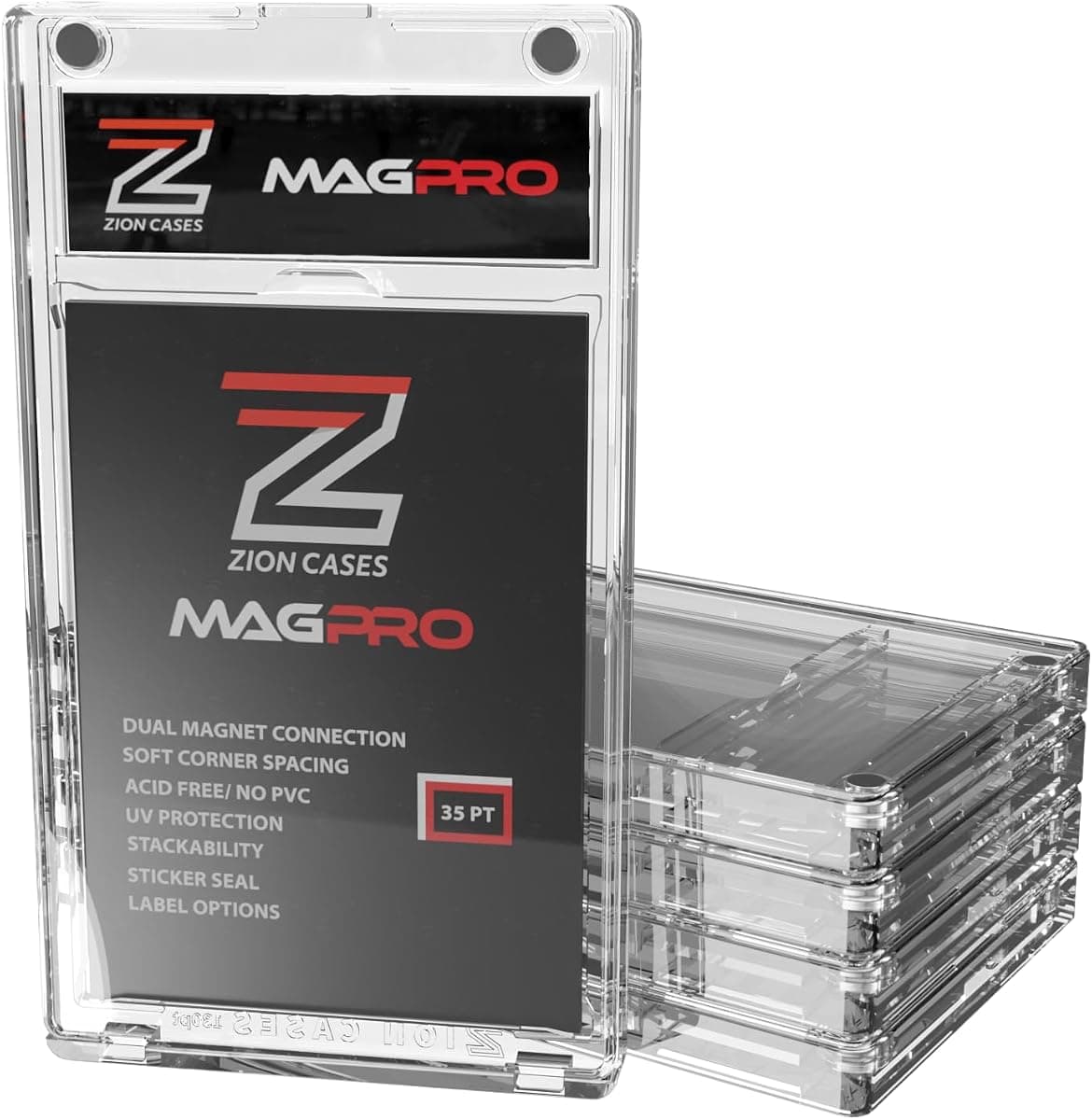
Zion Cases MagPro 35PT (5 Pack)

Zion Size Supported

Zion Cases MagPro 35PT (5 Pack)

Magnetic 35PT card holder with dual magnets for secure holding strength that guards against unintentional openings. Five cases per pack. Label Studio has a built-in Zion Mag Pro size option (2.51" × 0.76") so your labels fit this case exactly.

View on Amazon

Check card thickness, holder dimensions and the label area on the seller’s listing before ordering. Use the matching holder size in Label Studio.

03 / Printing & trimming

Give your label a clean finish.

Match the label stock to your print format, then use the printed guides for a consistent fit.
Open Label Studio
Label sheet illustration

One-Touch Sheets

Avery 6871 Labels (2.375" × 1.25")

The label stock the One-Touch sheets are laid out for. Label Studio prints 18 per page on this size, with the back panel inverted on the top half so the label reads upright once folded over the case edge. Print at 100% scale; any fit-to-page scaling will pull the artwork off the die-cuts.

View on Amazon
Label sheet illustration

Toploader Sheets

Avery 8167 Labels (1.75" × 0.5")

The label stock both Toploader formats are laid out for. Front-and-back pairs fit 40 cards per page; the fold-over format fits 80, printed rotated so each half reads upright once folded over the top edge. Print at 100% scale; any fit-to-page scaling will pull the artwork off the die-cuts.

View on Amazon
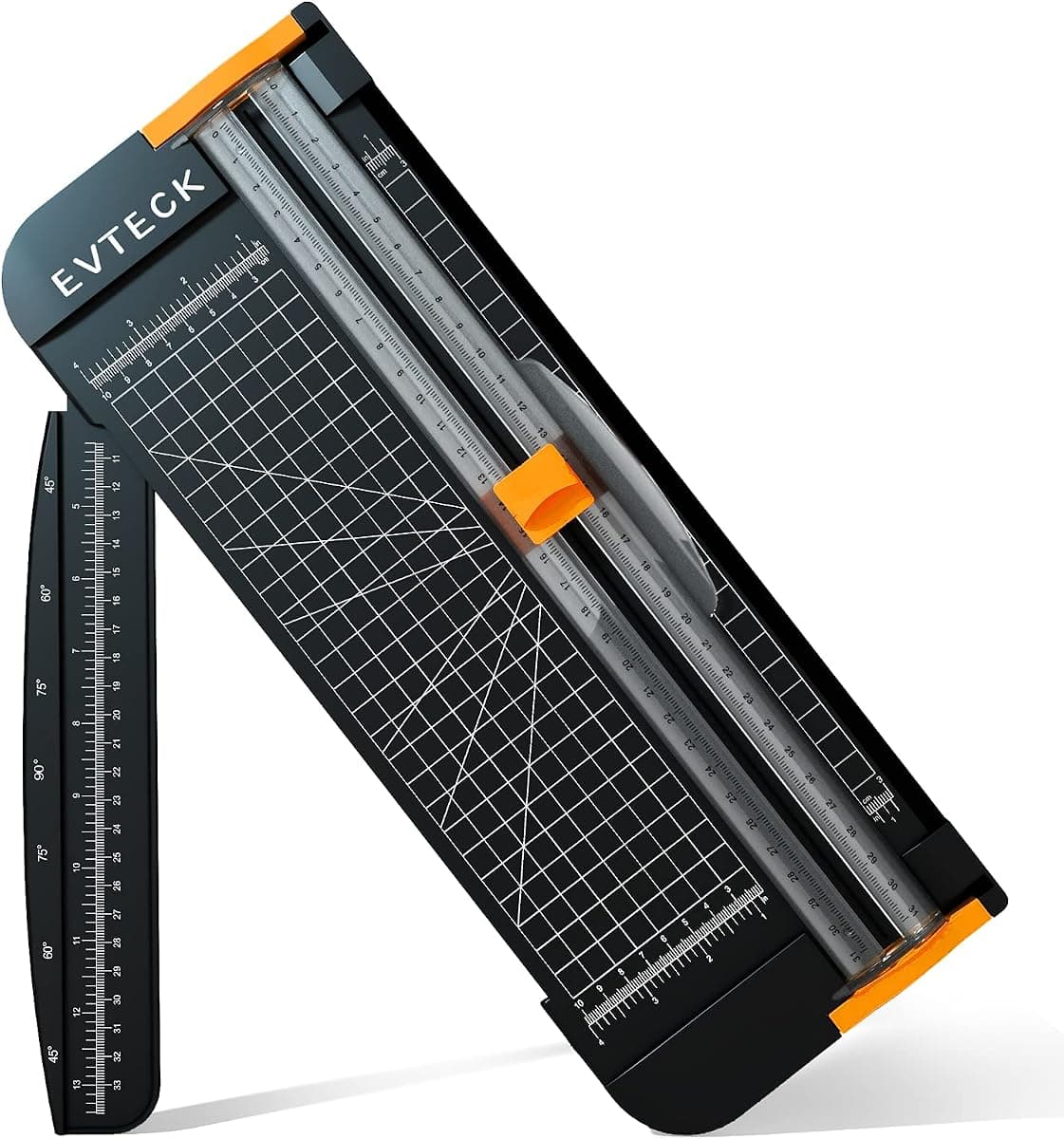
A4 Paper Cutter & Trimmer

Clean Label Cuts

A4 Paper Cutter & Trimmer

A 12-inch slider trimmer with a security blade and foldable ruler, sized for cardstock, photo paper, and vinyl. Straight, repeatable cuts are the difference between a label that sits flush in the slot and one that looks hand-trimmed; cut along the guides printed on every DCM label sheet.

View on Amazon

Print at 100% scale. Disable “fit to page” and test on plain paper before using label stock. One-Touch and Toploader layouts use different sheet sizes.

Make the grade yours

Your card. Your label. Your display.

Build a Heritage label, customize your layout and print in the format that fits your holder.

Create your label