List a graded card on eBay in about a minute
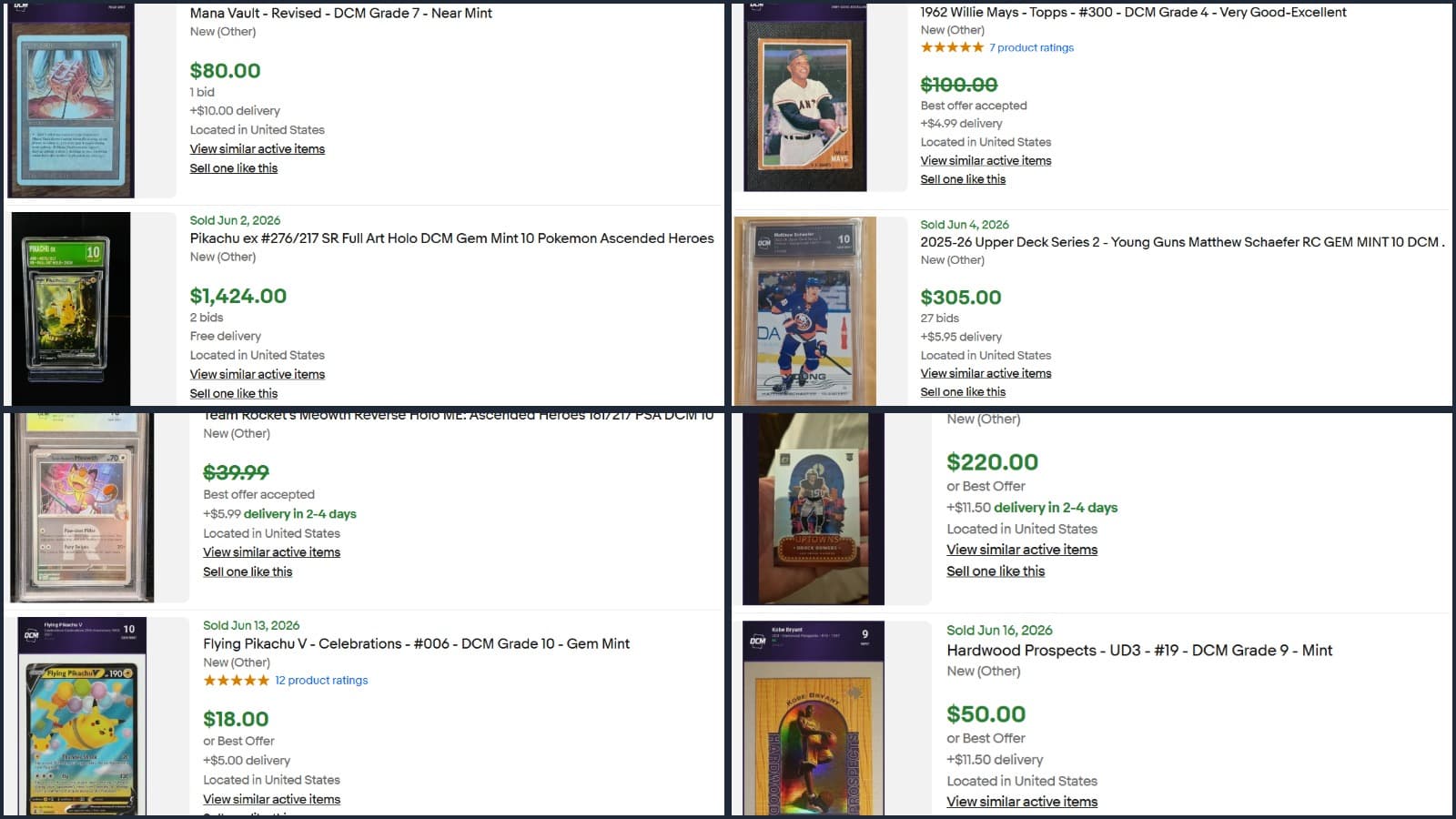
Inside the new InstaList Marketplace: a dedicated page, auto-filled listings, a four-tile dashboard, and eBay sync that runs on its own.
Quick answer
The InstaList Marketplace is a page on DCM Grading that pre-fills an eBay listing for any graded card: front and back images with the grade label, the mini report, a title with the grade, a condition summary built from the subgrades and auto-filled item specifics. Pick a card, review the form, publish. It takes about a minute.
Anyone who has listed a card on eBay knows the routine. Type the title. Pick item specifics from a 40-row dropdown. Upload photos one at a time. Write the description. Pick a category that almost matches. Set shipping. Realize you forgot the condition. Start over.
We rebuilt that flow for graded cards. It's called the InstaList Marketplace, and it's now sitting at dcmgrading.com/instalist-marketplace.
What it actually does
Open the marketplace. Pick a graded card from your collection. The listing form is already filled in.
You get:
- Front and back images with the DCM graded label baked in
- The mini grading report as one of the listing photos
- Your raw card shots in the gallery
- Room for up to 24 photos total
- A title that already says what the card is and its DCM grade score
- A written condition summary built from your card sub-grade breakdown
- Item specifics auto-populated from the card record
Anything you don't like, you edit. Anything you like, you leave alone. Hit publish and the listing goes live on your eBay account.
The dashboard
The top of the page has four tiles that update on their own.
- Active. Listings live right now.
- Sold. Lifetime sold count.
- Ended. Listings that ran out of time without selling.
- Revenue. Gross dollars across everything sold through DCM listings.
Under the tiles there are four tabs that let you drill in. Full sold history with sale prices. Ended listings with one-click relist. Active listings with end-early and revise actions. No more bouncing between dcmgrading.com and ebay.com to figure out where things stand.
It stays in sync
Every fifteen minutes the marketplace pings eBay and pulls the latest status on your listings. When a card sells, the dashboard knows before you do. When a listing ends, the relist prompt is already waiting. You'll rarely need to hit refresh.
Available on every screen you own
iOS, Android, and the web. Same account, same listings, same dashboard. The mobile apps have it in the bottom nav. The web has it in the top nav. Start a listing on your phone at a card show, finish it on your laptop at home, and watch it sell from either.
What buyers see
The condition summary, sub-grades, and verification badge all go into the eBay listing description. So if a buyer asks what kind of condition the card is in, the answer is already there, in your own words, backed by the DCM grading report. That means less back-and-forth and more closed sales.
Try it on one card
If you have any graded cards in your DCM collection, you have everything you need. Open the InstaList Marketplace, pick a card you've been meaning to sell, and see how fast the form fills in. The list-to-live time is usually under a minute.
Frequently asked questions
- Do I need an eBay seller account?
- Yes. You connect your existing eBay account once, then every listing publishes directly to it.
- What does DCM charge for listing?
- Nothing. You pay standard eBay seller fees only.
- What does the dashboard track?
- Active listings, lifetime sold count, ended listings and gross revenue from everything sold through DCM listings, and it syncs with eBay on its own.
- Can I edit the pre-filled listing?
- Yes. Every field is editable before you publish, including title, price, shipping and item specifics.